Building a Private AI Terminal with Docker, llama.cpp, and OpenCode
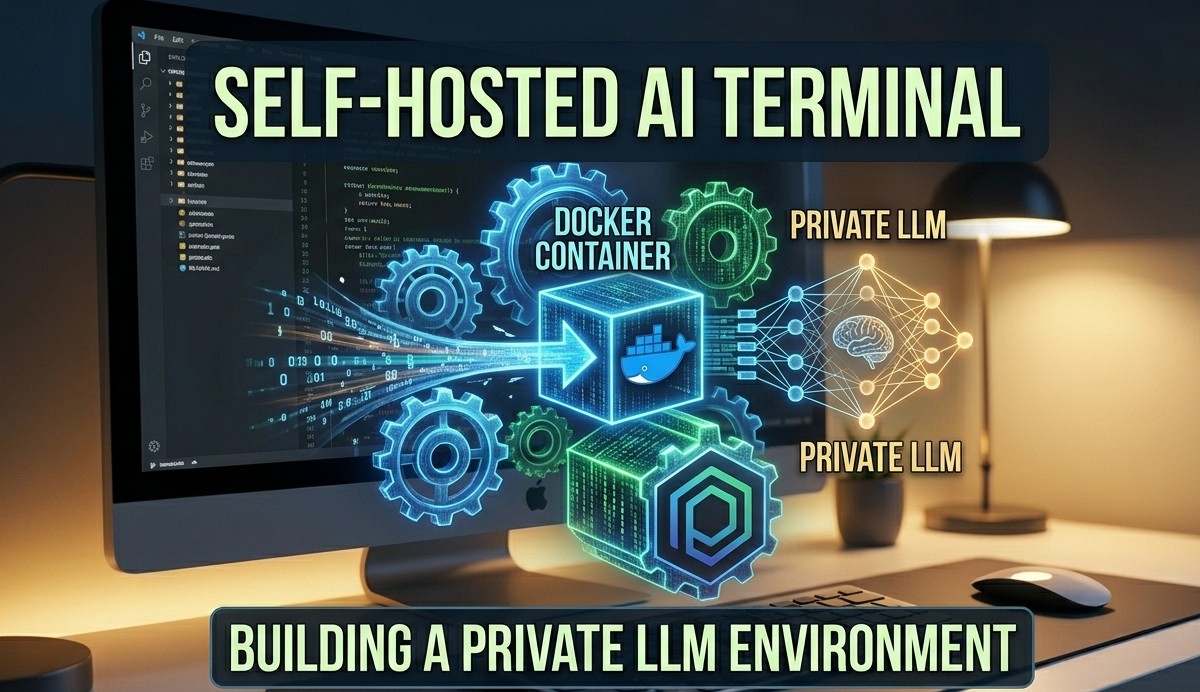
Complete Tech Blog & Setup Guide
Author: Phaneesh | Date: May 9, 2026 | Repository: Local_Ai_ON_OPENCODE
Introduction
As developers increasingly rely on Large Language Models (LLMs) to enhance their workflows, privacy and offline availability have become critical concerns. Sending proprietary code or system architectures to cloud APIs isn’t always viable. This post explores an elegant solution found in our local repository: building a completely self-hosted AI terminal using Docker Compose, llama.cpp, and OpenCode.
By containerizing these tools, we can spin up a dedicated, privacy-first AI assistant directly on our local machines without complex dependency management.
Project Purpose & Architecture
gemma-llama: An inference server that runs the highly efficient Gemma-4-E4B model viallama.cpp.opencode-terminal: A custom terminal environment that integrates seamlessly with the AI server, providing a workspace with all necessary system mounts to act as an intelligent developer assistant.
This architecture completely isolates the AI inference engine from the local machine’s host OS while allowing the terminal container controlled access via persistent volume mounts and the Docker socket.
Code Deep Dive: The Orchestration
Let’s look at how the orchestration is configured. The docker-compose.yaml file defines the gemma-llama service with optimizations specifically for local environments:
1
2
3
4
5
6
7
8
9
10
11
12
13
14
15
16
17
18
services:
  gemma-llama:
    image: ghcr.io/ggml-org/llama.cpp:full
    container_name: gemma-llama
    command: >
      --server
      -m /models/gemma-4-E4B-it-Q4_K_M.gguf
      --port 8080
      --host 0.0.0.0
      --reasoning off
      -ngl 0
      --jinja
      -c 16384
      --parallel 1
    ports:
      - "8080:8080"
    volumes:
      - ~/gemma_models:/models
Key configurations:
--server: Exposes the model over an OpenAI-compatible HTTP API.-m /models/...: Uses a quantized (Q4_K_M) version of the Gemma-4B model. Quantization is crucial here as it drastically reduces the RAM required while maintaining high output quality.-c 16384: Allocates a large context window (16K tokens), enabling the AI to read extensive code files and logs.volumes: Mounts a local directory~/gemma_modelsso you don’t have to re-download gigabytes of model data every time the container spins up.
The OpenCode Terminal Integration
The magic happens in the opencode-terminal container, which serves as your daily driver interface. It links to the gemma-llama service and mounts your local workspace:
1
2
3
4
5
6
7
8
9
10
11
  opencode-terminal:
    image: opencode:usethis
    container_name: opencode-terminal
    working_dir: /work
    volumes:
      - $HOME/.opencode:/root/.config/opencode
      - $PWD:/work
      - /var/run/docker.sock:/var/run/docker.sock
    depends_on:
      gemma-llama:
        condition: service_healthy
By mounting /var/run/docker.sock, the AI inside the terminal can execute Docker commands, introspect other containers, and perform DevOps tasks natively. The depends_on block with a service_healthy condition guarantees that the terminal only becomes available after the llama.cpp server has successfully loaded the massive model file into memory.
Configuring OpenCode
You can interact with your locally hosted model using OpenCode.
OpenCode connects to the llama-server endpoint over its OpenAI-compatible API.
To set this up, configure your ~/.opencode/opencode.json as follows:
1
2
3
4
5
6
7
8
9
10
11
12
13
14
15
16
17
18
19
20
21
{
  "$schema": "https://opencode.ai/config.json",
  "provider": {
    "llama.cpp": {
      "npm": "@ai-sdk/openai-compatible",
      "name": "llama-server (local)",
      "options": {
        "baseURL": "http://localhost:8080/v1"
      },
      "models": {
        "gemma-4-E4B-it-Q4_K_M.gguf": {
          "name": "gemma-4-E4B-it-Q4_K_M (local)",
          "limit": {
            "context": 65536,
            "output": 16384
          }
        }
      }
    }
  }
}
Key Takeaways
- True Privacy: By keeping inference localized via
llama.cppand GGUF models, no data leaves your workstation. - Reproducibility: Docker Compose makes this setup “plug-and-play” across any Linux environment.
- Seamless Workflow: Tying the AI directly into a terminal environment bridges the gap between text generation and actionable execution.
This repository is a masterclass in combining modern containerization with lightweight LLM inference. To get started, all you need is docker compose up followed by your terminal access command. Happy local coding!